Tongxin Software Studio
NetClipboard Buy Now » « Back
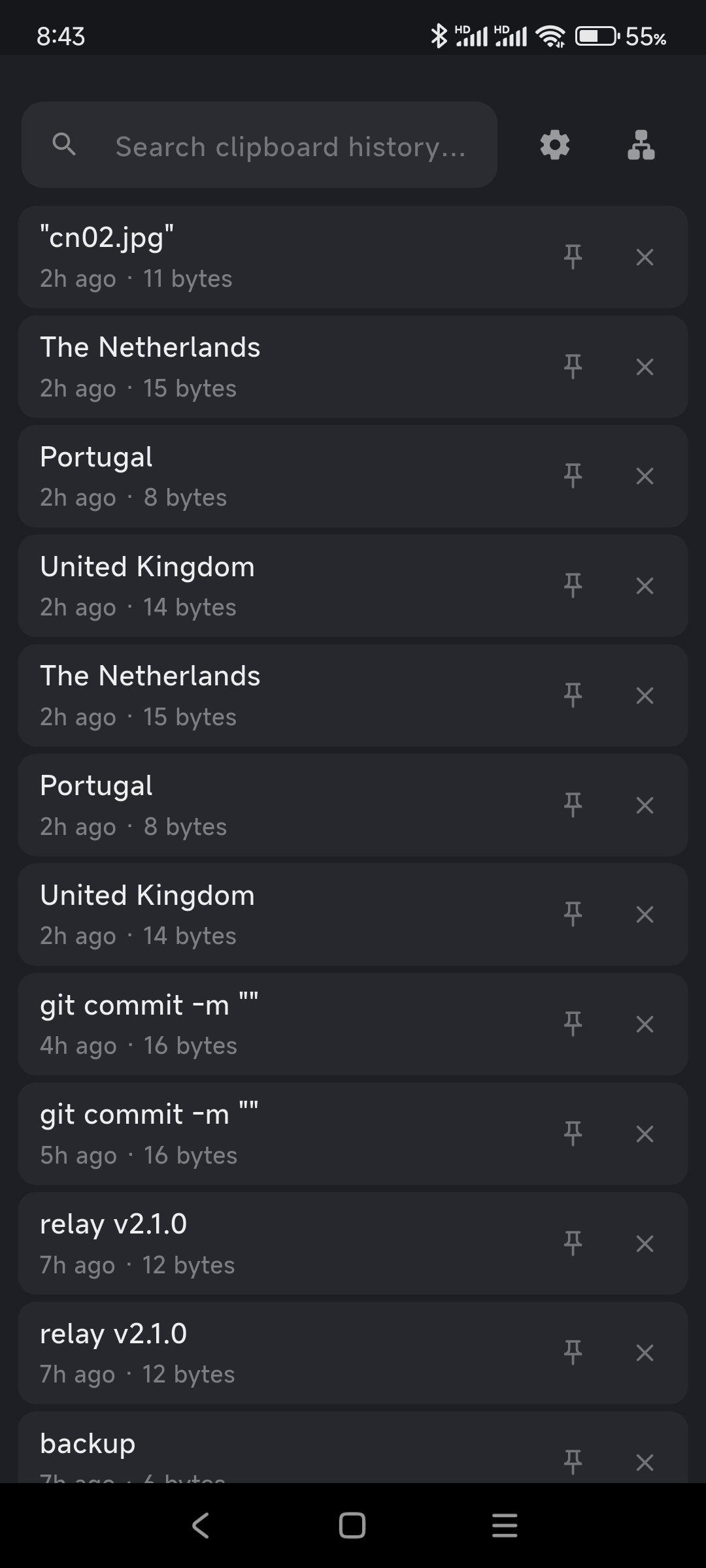
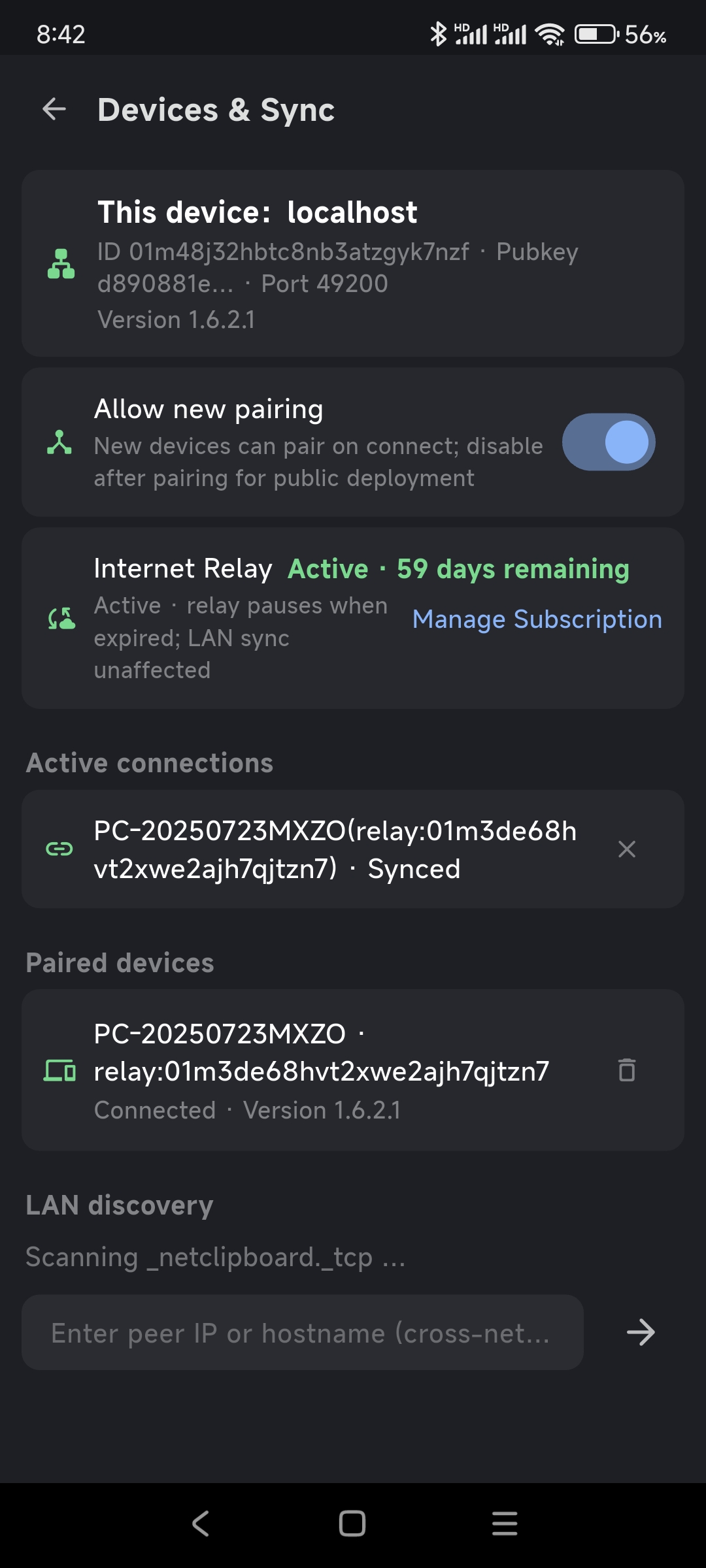
A toolset for clipboard synchronization across multiple computers and mobile devices. It currently supports Windows and Android systems and enables synchronization over local area networks. If Internet-based synchronization is required, intranet penetration technology must be used to enable the devices participating in synchronization to access one another.
WindowsAndroid
Pricing
| Plan | Price (USD) |
|---|---|
| NetClipboard(Lite)- Monthly - 2 Devices | $9.90 |
| NetClipboard(Pro)- Monthly - 5 Devices | $16.90 |
| NetClipboard(Max)- Monthly - 10 Devices | $29.90 |
Description
This is a suite of tools designed for clipboard synchronization across multiple computers and mobile devices, intended to address the problems of cumbersome operation and low efficiency encountered when users frequently copy and paste content between different devices. Users often need to transfer text, links, verification codes, or other short content between computers and mobile phones, or between computers, yet conventional methods typically rely on chat applications, email, or manual input, which are not only procedurally cumbersome but also prone to information omission. By means of a clipboard synchronization mechanism, this tool enables devices participating in synchronization to share clipboard content, thereby significantly enhancing the convenience of cross-device operations. The tool supports Windows and Android systems. Users may synchronize clipboard content between a Windows computer and an Android phone, or among multiple Windows computers. Once content is copied on one device, other connected devices participating in synchronization can obtain that content, thereby reducing repetitive operations and improving efficiency in work and daily life. With respect to synchronization methods, this tool supports local area network synchronization. When multiple devices are on the same local area network, clipboard data can be exchanged directly over the local area network. This method offers advantages such as simple configuration, high transmission speed, and independence from external servers, making it suitable for usage scenarios in homes, offices, and other environments where devices are on the same network. Provided that network connectivity exists between devices and the tool is correctly configured, a relatively smooth clipboard synchronization experience can be achieved. If synchronization is required in an Internet environment, that is, when devices are not on the same local area network, intranet penetration technology is necessary. Through intranet penetration, services within a local area network can be mapped to the public network, enabling devices under different network environments to access one another, thereby achieving cross-network and cross-regional clipboard synchronization.
Download
Screenshots & Demo
User Reviews (0)
No reviews yet. Be the first to share your thoughts!